
The aim of the course is to make students acquainted in designing man to machine interactions.
We’ll take a trip in understanding how computers interact with each other and with us. We’ll see sensors, actuators and APIs in action, We’ll get superpowers (ans super responsabilities) always keeping human interaction in the center of the conversation.
The student will learn:
- (A brief) History of visual programming and editing tools, with a peculiar attention to the low-code ones
- How to master video dubbing / exporting / post production
- to navigate different physical computing prototyping platform and understand its proper features
- Prototype basic to complex cause-effect interactions using Microcontrollers
- Understand how to integrate custom sensors / actuators in its project
- (A brief) History of Internet of Things and consequentially od Design Ficiton
- to represent a digital experience (such as an online behaviour – tweet, news, notification) through a physical one (an LED changing color, a Fan turning. A sprinkler watering a plant. A music played)
- to design a physical UI (such as a pushbutton / screen / NFC card) able to create Digital Interactions and conversations (such as interacting with a site or a complex APP
- Learn how to create real-time graphics with Touch Designer
- Prototype basic Web UIs using IBM’s Node-RED
- Integrate several web services using APIs via JSON
- Understanding the basic use of MQTT IoT protocol
- to represent a digital experience (such as an online behaviour) through a physical one (one percieved using our direct senses)
- to design a physical UI (such as a pushbutton / screen / NFC card) able to create Digital Interactions and conversations (such as interacting with a site or a complex APP)
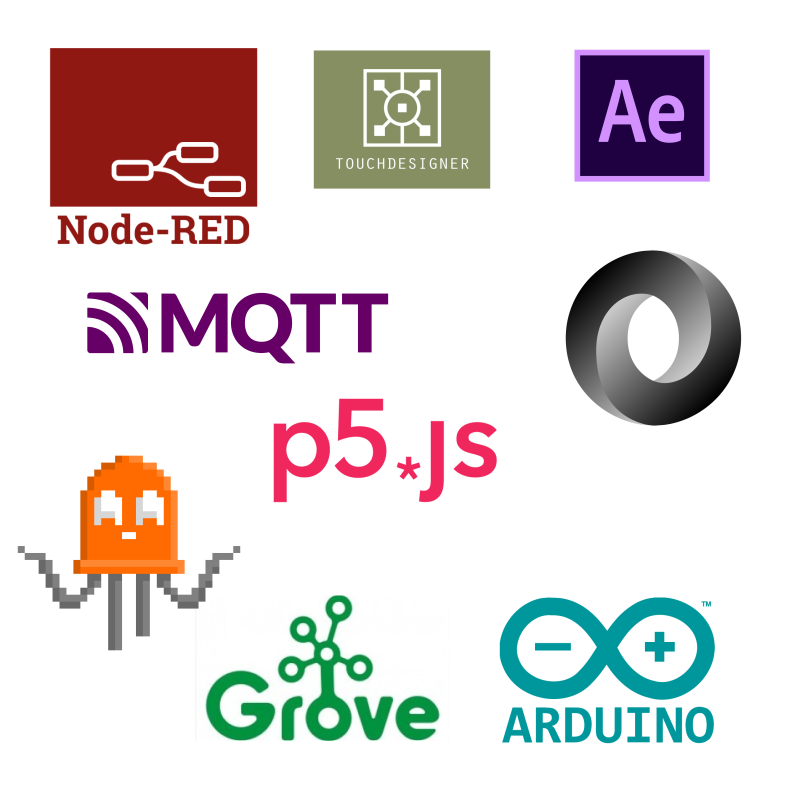
A Powerful list of tools in the Phisical Computing Artisan Toolbox
| Lesson 1 | Intro | Theory and References aboutPhysical Computing world and how to negotiate meaningful conversations man to machine | ||
| Lesson 2 | Touch Designer | introduction to the main nodes for creating interactive environments | ||
| Lesson 3 | Touch Designer | introduction to the main nodes for creating interactive environments | ||
| Lesson 4 | Touch Designer | introduction to the main nodes for creating interactive environments | ||
| Lesson 5 | Node-RED | What if we need to be lighter? introduction to flows | ||
| Lesson 6 | Node-RED | Node-RED ninja Academy | ||
| Lesson 7 | Arduino & Sensors | Arduino Alphabet and main sensors | ||
| Lesson 8 | Actuators and Motors | Motors and actuators, servo etc | ||
| Lesson 9 | Luci e LED | LED, Addressable LEDs, lights | ||
| Lesson 10 | NFC | Adding near field communicaton to the exhibition | ||
| Lesson 11 | JSON for Artists | What is JSON and why is super useful for us? | ||
| Lesson 12 | Node-RED | What if we need to be lighter? | ||
| Lesson 13 | Let’s Make an Installation | Make your own installation | ||
| Lesson 14 | Client Brief | Review | ||
| Lesson 15 | Client Brief | Review | ||
| Lesson 16 | Client Brief | Review | ||